Staying Connected on Tour: Internet, Power, and Communication on a Tour Bus
Staying connected on tour means keeping reliable internet, phone service, and device power for a touring party while an entertainer coach moves between cities, often overnight through rural stretches where cell coverage thins out. Tour managers need it to advance shows and settle payouts. Artists need it for social…
Knights Coaches
Knights Coaches
- Published
- Reading time
- 9 min read
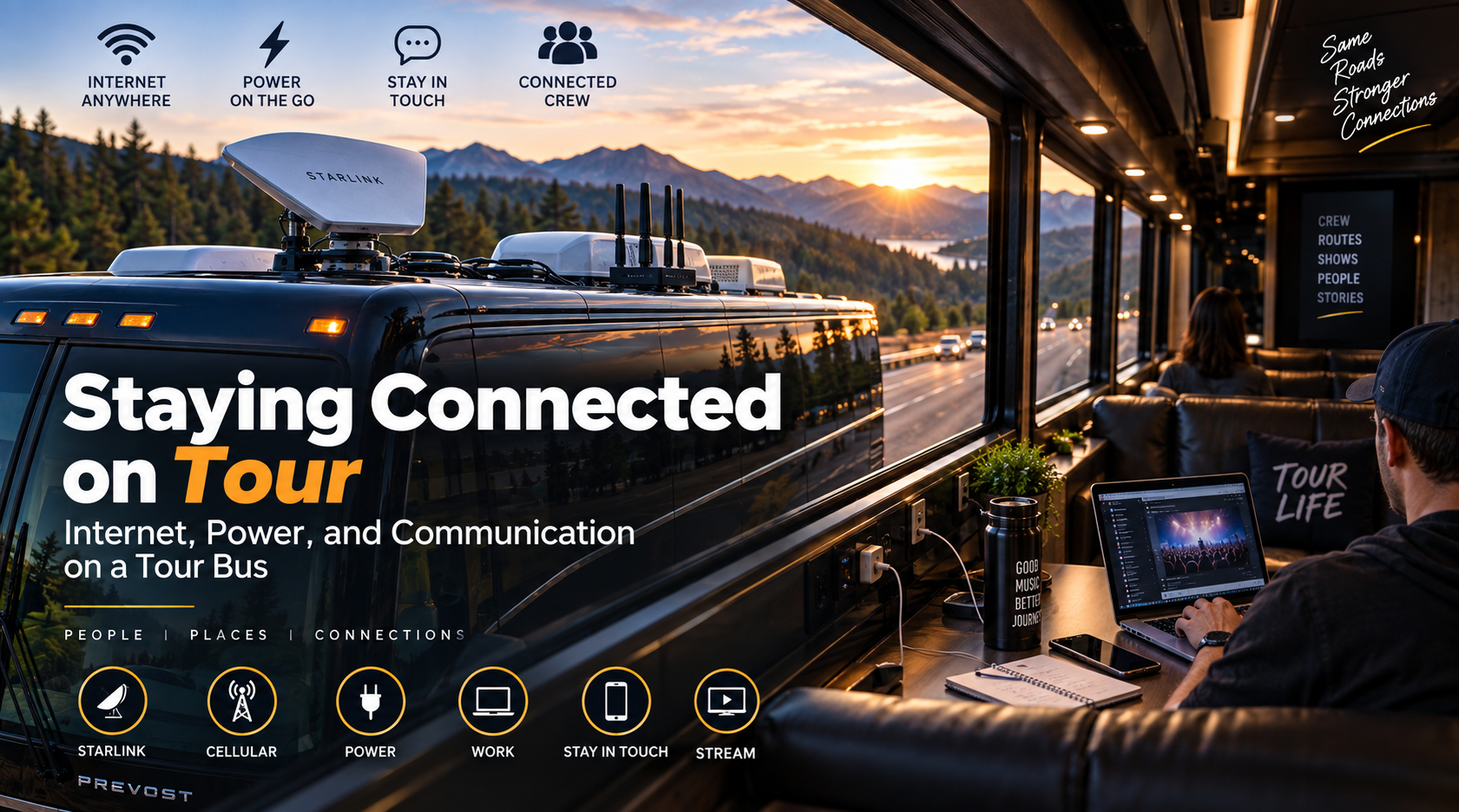
Staying connected on tour means keeping reliable internet, phone service, and device power for a touring party while an entertainer coach moves between cities, often overnight through rural stretches where cell coverage thins out. Tour managers need it to advance shows and settle payouts. Artists need it for social posts and livestreams. Crew need it for schedules, maps, and calls home.
Most touring setups combine two or three sources. Cellular hotspots or multi-carrier routers handle towns and interstates. Starlink Roam covers gaps where towers disappear, with plans that started at $50 per month for 100 GB and ran to $165 per month for unlimited data as of early 2026. A multi-WAN router ties them together so the bus stays online when one link drops.
Connected entities fill out the picture. The three national carriers, AT&T, Verizon, and T-Mobile, each have different rural coverage. Router makers like Peplink build hardware that bonds cellular and satellite links. Venue production networks, the coach's generator, and shore power at the venue keep everything charged.
This guide covers why connectivity matters on tour, cellular options, Starlink, combining sources, coach-supplied Wi-Fi, venue networks, power and charging, data budgets, network security, keeping in touch with home, and TV on the road.
Why Connectivity Matters on the Road
Connectivity runs the business side of a tour. Tour managers send advance emails, confirm load-in times, review ticket counts, and handle settlement paperwork. Production managers pull venue drawings and rigging plots. Merch sellers run card readers. Almost none of that can wait until the next hotel.
The personal side matters too. Weeks on the road strain relationships, and a video call from the bunk keeps people grounded. Crews that stay connected tend to stay happier.
Cellular Hotspots and Multi-Carrier Routers
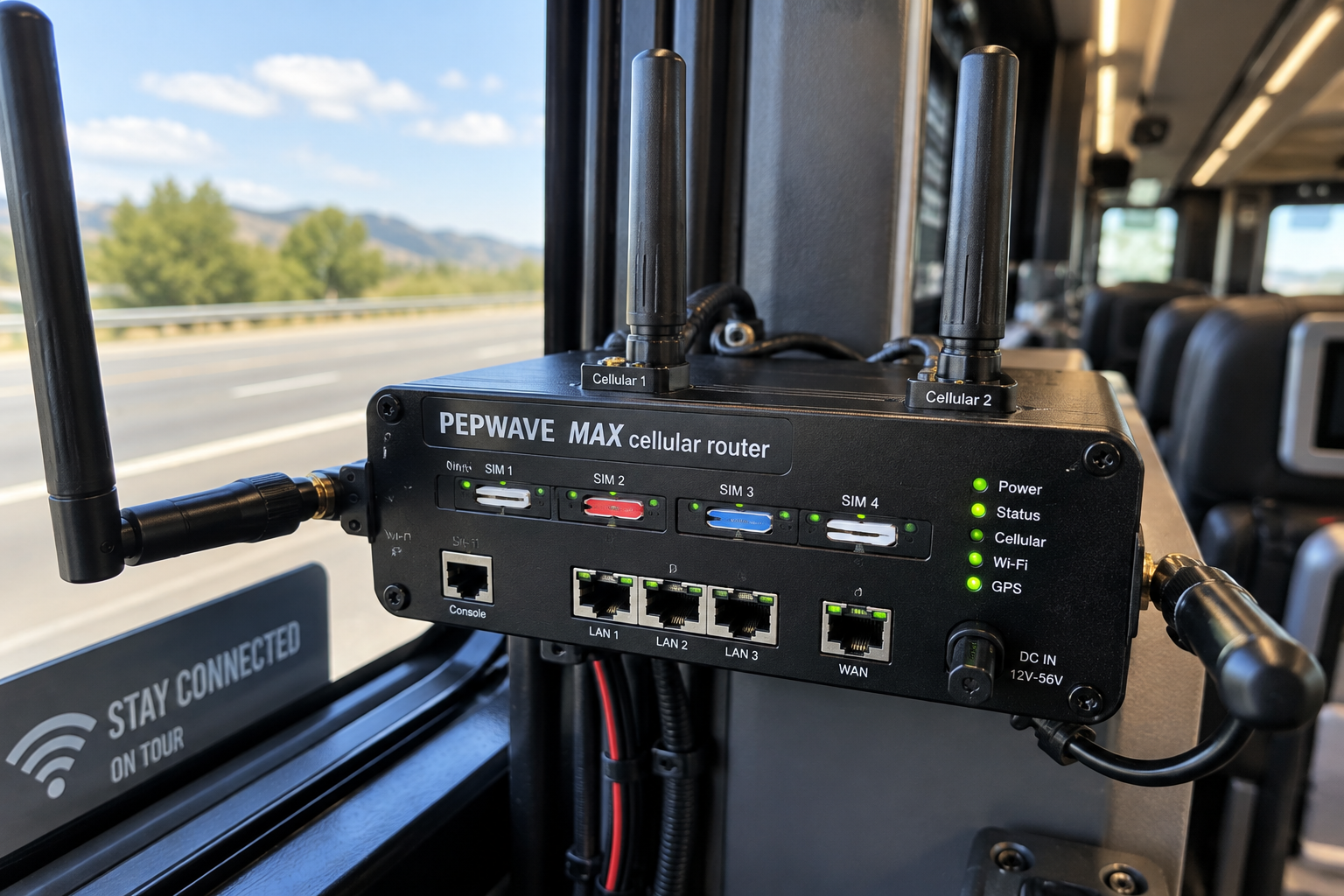
Cellular service is the first layer. A phone hotspot works for one person but drains the battery and struggles to serve 12. A dedicated hotspot or cellular router serves the whole bus.
Serious setups go further:
Multi-carrier routers hold SIM cards from two or three carriers and switch to whichever signal is strongest.
Roof-mounted antennas pull in weaker signals than a device inside a metal-bodied coach can.
Unlimited data plans built for mobile users avoid the throttling that hits standard phone plans.
Coverage still varies. One carrier might own western interstates while another dominates the Northeast. Multi-carrier gear hedges that bet.
Starlink on a Tour Bus
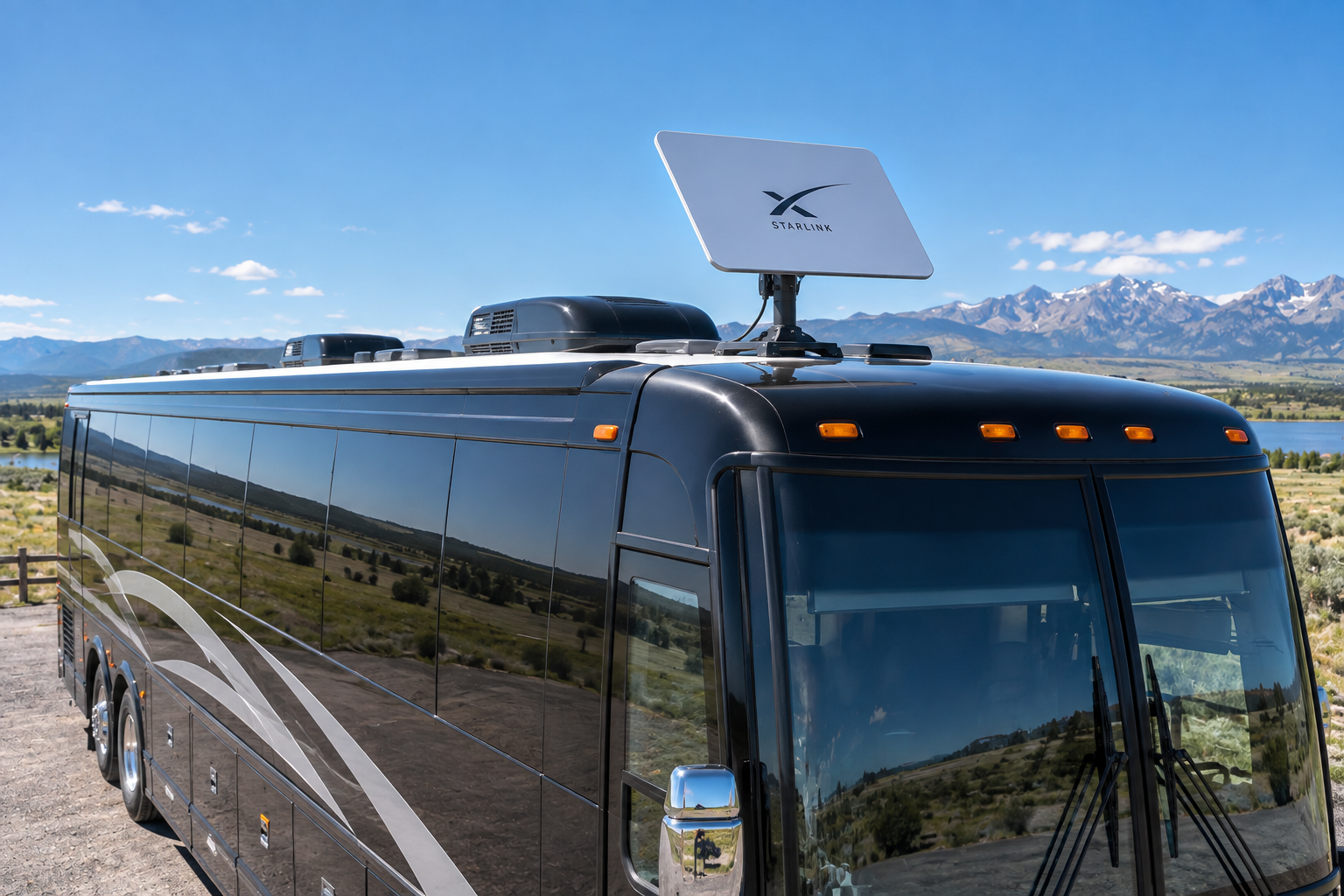
Starlink uses low-orbit satellites to deliver internet almost anywhere with a clear view of the sky. Its Roam service targets mobile users, and its latency, typically 25 to 60 milliseconds, handles video calls far better than older satellite options.
Two points matter for buses. First, in-motion use depends on the right hardware and plan terms, so confirm both before relying on it while driving. Second, obstructions like tunnels, parking garages, and tall buildings downtown block the signal. Starlink shines on rural highways and weakens in dense cities, which is the opposite of cellular.
Combining Starlink and Cellular
Combining sources gives the most reliable connection. A multi-WAN router accepts Starlink, cellular, and venue Wi-Fi at the same time and manages them in one of three ways:
Failover uses one link as primary and switches automatically when it drops.
Load balancing spreads traffic across links to increase total capacity.
Bonding merges links into a single tunnel so calls survive brief dropouts.
For a touring party, failover with Starlink on the open road and cellular in town covers most needs. Bonding helps when someone must stay on a live call or stream through the whole drive.
Wi-Fi Supplied by the Coach Company
Coach Wi-Fi varies by company and coach. Some entertainer coaches include satellite TV and internet as a line item, often billed per day. Others leave connectivity to the tour. Ask during booking what the coach includes, which carriers it uses, and how many devices it supports.
If the coach supplies internet, find out whether it runs while parked on generator power, since some systems shut down when the engine is off.
Venue Wi-Fi and Production Networks
Venue networks help on show days. Most arenas and theaters offer backstage Wi-Fi, though quality ranges widely. Production teams often run their own networks for lighting consoles, audio systems, and show control, and those networks stay separate from general internet use.
Ask the venue during advance for the Wi-Fi name and password, and whether a wired connection exists near the production office. A wired line beats a crowded wireless network during settlement.
Power and Charging
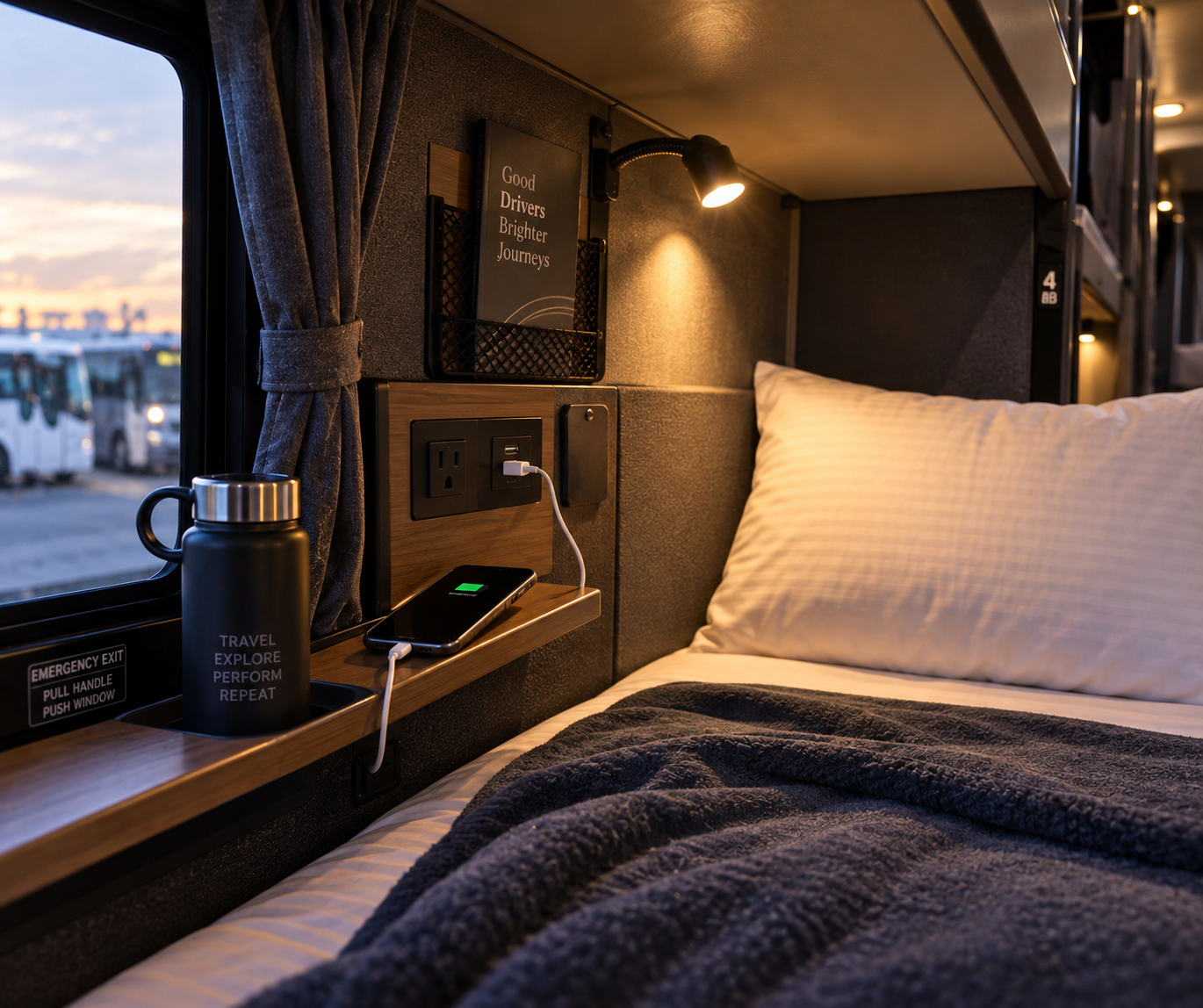
Power keeps everything running. Each bunk usually has its own outlet. Lounges add more. When the bus is parked, it runs on shore power from the venue, typically a 50-amp connection, or on its onboard generator.
Personal habits help:
Carry a power bank for load-in days when you're away from the bus.
Pack a short multi-port charger to avoid fighting over outlets.
Avoid leaving chargers or batteries under pillows, where they can overheat.
Laptops and camera gear should charge in the lounge rather than the bunk when possible.
Planning a Data Budget
Data runs out faster than people expect. Streaming high-definition video can use roughly 3 GB per hour, so a few bunk movie nights can drain a capped plan quickly. Video calls, cloud backups, and social uploads add more.
A few rules keep usage in check:
Download shows and music on venue Wi-Fi before the overnight drive.
Pause automatic photo and cloud backups while on cellular.
Reserve bandwidth for work tasks during business hours.
Tour managers sometimes set a simple house rule: no HD streaming on the bus network during the day.
Network Security on Shared Connections
Security matters when a dozen people share one network and connect to venue Wi-Fi in a new city every day. Set up a separate guest network on the bus router for visitors. Use a VPN on public networks, especially for banking and settlement documents. Keep router admin passwords with the tour manager only.
Artists with a public profile should turn off automatic location sharing in social apps. A tagged photo of the bus in a parking lot can bring fans to the door at 2:00 AM.
Keeping in Touch With Home
Time zones complicate calls home. A crew member in Denver is two hours behind family in Nashville, and the show day schedule rarely lines up with dinner time. Schedule calls during the daily gap between load-in and soundcheck, or on off days.
Short daily messages often work better than long weekly calls. And recording a quick video from the venue gives family a sense of where you are.
TV and Entertainment on the Road
Entertainment still matters on long drives. Many entertainer coaches include satellite TV in the lounges and screens in the bunks. Streaming services work when the connection allows. Downloaded content fills the gaps on stretches with no signal.
Game consoles live in the front lounge on plenty of buses, and a few crews bring a portable projector for movie nights on off days. Just keep the volume reasonable, since someone is always sleeping.
Connectivity Checklist Before the Tour
A short checklist before the first show avoids most problems:
Confirm what internet the coach includes and how it's billed.
Test the router, Starlink, and hotspots at the coach company's lot.
Map coverage for each carrier along the planned route.
Label chargers, cables, and power banks by owner.
Save venue Wi-Fi details from each advance in the tour book.
Set a data plan cap or alert so nobody burns the monthly allowance in a week.
Fixing a dead router at 2:00 AM in rural Kansas is much harder than fixing it in the lot before departure.
Livestreaming From the Road
Learn how tour buses stay connected — cellular routers, Starlink Roam, venue Wi-Fi, power and charging setups, data budgets, and network security tips.
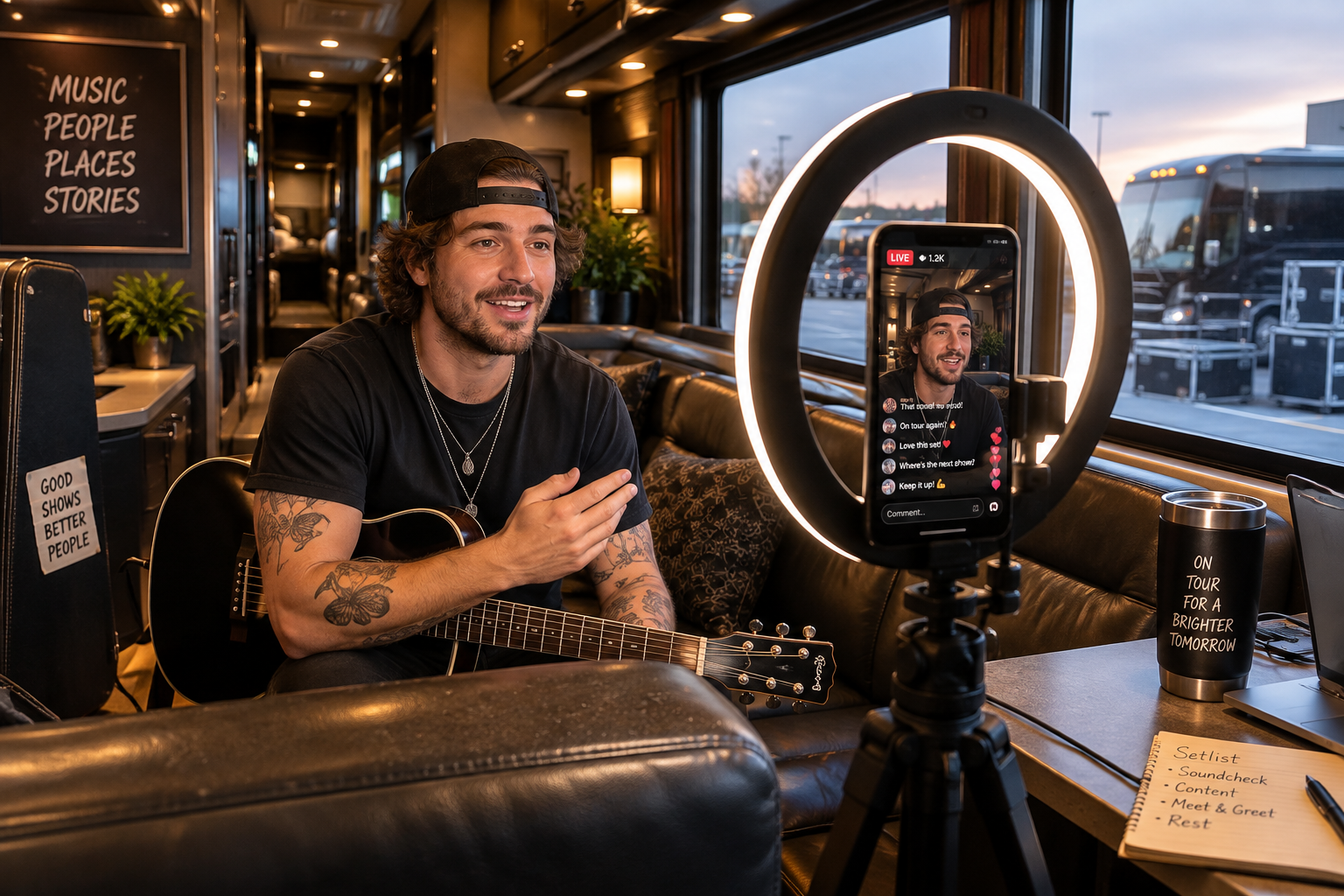
Livestreams need more than casual browsing. Upload speed matters most, and a steady stream often needs several megabits per second of reliable upload. Cellular upload speeds drop sharply in crowded areas like a venue lot full of fans.
For planned streams, use a wired venue connection when possible. On the bus, a router that bonds cellular and Starlink gives the best chance of an unbroken stream. Always run a test stream earlier in the day, not five minutes before going live.
Who Manages the Network on Tour
Someone has to own the network. On small tours, the tour manager handles it. On larger tours, a production assistant or the video engineer often takes charge of routers, passwords, data plans, and troubleshooting.
Naming one person avoids the classic problem: five people rebooting the router at once. That person also keeps a spare hotspot and SIM ready in case the main system fails mid-tour.
How Knights Coaches Supports Connectivity
Knights Coaches runs 24/7 dispatch that stays in contact with every driver, and its Prevost fleet includes bunk outlets, lounge power, and onboard generators for parked days. Tour managers can discuss connectivity options for a specific coach during booking on the Knights Coaches or check pickup cities through the tour bus rental.
How do tour buses get internet?
Tour buses use cellular hotspots, multi-carrier routers, Starlink, and venue Wi-Fi, often combined through one router.
Does Starlink work on a moving tour bus?
Yes, with compatible hardware and a plan that allows in-motion use. Confirm both before the tour.
How much does Starlink Roam cost?
As of early 2026, Starlink Roam ran about $50 per month for 100 GB or $165 for unlimited. Check current pricing.
Which is better on tour, Starlink or cellular?
Starlink is better on rural highways, while cellular performs better in cities. Using both covers the most ground.
What is a multi-WAN router?
A multi-WAN router combines several internet sources, such as Starlink and cellular, into one network with automatic switching.
How much data does a tour bus use?
It depends on habits, but HD streaming alone can use about 3 GB per hour, so busy buses burn through data quickly.
Do tour bus bunks have outlets?
Yes. Most bunks include their own power outlet and reading light.
What powers a tour bus when it's parked?
A parked coach runs on venue shore power, usually 50 amps, or its onboard generator.
Is venue Wi-Fi safe for tour business?
Use a VPN on venue networks, especially for settlement and banking documents.
Does the coach company supply internet?
Some do. Ask during booking what the coach includes and how it's billed.
How can touring crew stay in touch with family?
Schedule calls between load-in and soundcheck or on off days, and send short daily updates.
Can you livestream from a tour bus?
Yes, with strong upload speed, ideally from bonded cellular and Starlink or a wired venue line. Test earlier in the day.
What should a tour test before leaving?
Test the router, Starlink, hotspots, and every charger at the coach lot before the first show.
Who should manage internet on a tour bus?
One named person, usually the tour manager or a production assistant, should own routers, passwords, and data plans. That avoids conflicting fixes and keeps a spare hotspot ready.
Conclusion
Staying connected on tour keeps both the business and the people running. Cellular hotspots and multi-carrier routers cover towns and interstates, while Starlink Roam fills rural gaps with low latency. Multi-WAN routers combine them through failover, load balancing, or bonding. Coach Wi-Fi and venue networks add capacity, and shore power, the generator, and bunk outlets keep devices charged. Data budgets, network security, well-timed calls home, and downloaded entertainment round out a connected tour.
Planning a tour and want a coach ready for the road? Talk to Knights Coaches about a Prevost coach with 24/7 dispatch.